Buying Guides · Workspace Tech
Best Document Scanners for Receipts and Paperwork in 2026
Choose an existing document scanner for receipts and loose paperwork by batch size, drivers, duplex capture and how files reach your filing system.
Published
THE CLEAR TAKEAWAY
Quick Answer
For recurring larger batches, shortlist iX2500 if ScanSnap Home fits and TWAIN is unnecessary. Choose ADS-1800W for smaller batches; consider ES-580W when larger capacity and TWAIN are both required.
Research Method / Evidence Basis
Public-source research. Research-based article. Official manufacturer documentation checked October 26, 2026. We have not used or tested these products. Specifications are manufacturer claims, not independent measurements. Recommendations are editorial inferences about workflow fit.
Editorial responsibility: One Clear Pick · How we research and recommend
This article contains ordinary source/manufacturer links, with no affiliate purchase links. How commissions work.
| Existing model | Manufacturer-stated capacity / speed | Workflow gate |
|---|---|---|
| ScanSnap iX2500 | 100 sheets; up to 45 ppm / 90 ipm | No TWAIN; verify ScanSnap software |
| Brother ADS-1800W | 20 sheets; up to 30 ppm / 60 ipm | Smaller batches; verify OS-specific drivers |
| Epson ES-580W | 100 sheets; up to 35 ppm / 70 ipm | TWAIN workflow and destination compatibility |
The 30-second answer
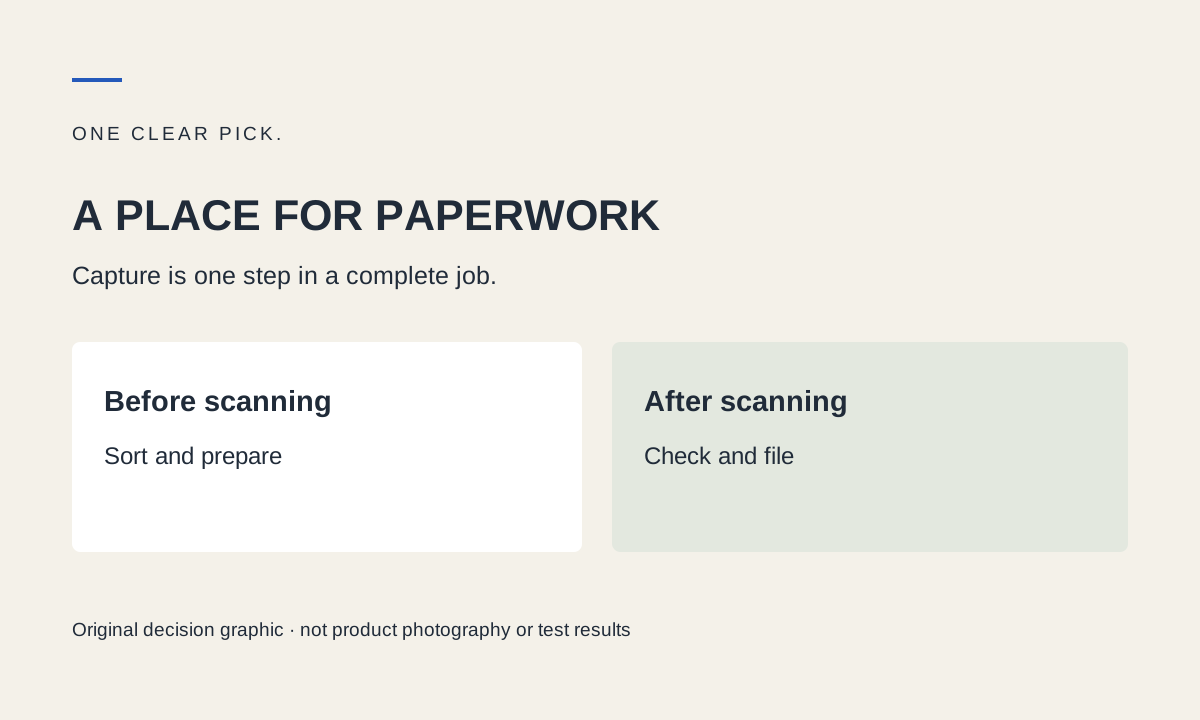
Receipts and paperwork are a filing problem as well as a capture problem. Choose around how often paper arrives, whether both sides matter and which application must receive the result. A larger feeder is useful for recurring stacks, while a smaller feeder can suit a little-and-often routine.
This article narrows the existing home-office document scanner shortlist to receipt and paperwork tasks. It introduces no new products and does not claim that any device automates bookkeeping or guarantees correct financial data.
First sort the originals
Separate flat office sheets from curled, faded, torn or unusually small receipts. Check permitted paper dimensions, weights and handling in the exact manual. Do not assume every item that fits the width can safely enter the rollers. Remove staples and follow the manufacturer’s instructions for difficult originals.
A small receipt is not just a smaller invoice: print condition and paper handling can change the task. If an original is unsuitable for feeding, use another appropriate capture method rather than forcing it through to preserve a headline speed.
iX2500 for recurring larger batches
Its feeder capacity and duplex capture make it our starting shortlist for repeated loose-paper batches when ScanSnap Home fits. No TWAIN driver is a decisive limitation if your existing application requires one. Check that first; otherwise, you may buy capable hardware that cannot join the workflow you intended.
Read the research-based iX2500 review for the compatibility and ownership questions. This is an inference from documented fit, not a measured receipt-recognition or jam-rate advantage.
ADS-1800W for smaller frequent batches
The smaller feeder makes sense when you scan a manageable set regularly instead of accumulating a large backlog. Its driver options deserve attention when your application must initiate scanning, but verify the exact operating-system combination rather than transferring a driver name across platforms.
Skip it when repeated reloads would dominate a larger recurring job. We do not call it the cheapest option or promise that compact hardware eliminates the need for output space.
ES-580W when batch capacity and TWAIN matter
The Epson candidate pairs a larger feeder with documented TWAIN integration and USB-drive saving. That gives it a distinct role in the existing shortlist. Confirm the actual application and destination requirements, including any network or software conditions.
Skip it when the capacity is unnecessary or your originals should not enter a feeder. Its advertised speed alone does not establish the time required to produce checked, named and searchable files.
Build the filing routine before buying
Choose an output folder and consistent file naming that lets you retrieve the scan. Decide whether a searchable PDF is sufficient or whether you require export into a specific application. Verify critical dates, names and amounts manually; OCR capability does not establish accuracy.
Count pages after scanning, inspect both sides and reopen the output before considering the job complete. Retain originals according to your own requirements. We have not evaluated legal retention suitability, accounting integrations or automated tax workflows.
Cost and limits
Compare the exact model, consumables, required software and checkout total. No device-specific discount is advertised here. For a few occasional receipts, equipment already available to you may be sufficient. A dedicated machine is justified by a recurring problem, not by a commission opportunity.
Official non-affiliate information: iX2500, ADS-1800W, ES-580W. No hands-on results or Black Friday offers are implied.
FAQ
Does searchable PDF mean receipt amounts are correct?
No. OCR can misread faded or small print. Verify critical information manually.
Should all receipts go through an ADF?
No. Consult supported material and handling guidance for the exact model; use another method for unsuitable originals.
Sources and References
- Ricoh iX2500 US specifications
Manufacturer documentation checked October 26, 2026. Supports the specified model facts; not independent performance evidence.
- Brother ADS-1800W US product information
Manufacturer documentation checked October 26, 2026. Supports the specified model facts; not independent performance evidence.
- Epson ES-580W US product information
Manufacturer documentation checked October 26, 2026. Supports the specified model facts; not independent performance evidence.