
Buying Guides · Consumer Tech
Choosing a Portable SSD for Photos and Weekend Editing
Compare portable SSD capacity, connection speed and formatting for bringing photos home and editing on the road.
Published
THE CLEAR TAKEAWAY
Quick Answer
Choose a portable SSD capacity based on an actual project folder plus room for temporary files. Pay for a faster model only after checking your computer port, cable and editing workflow.
Research Method / Evidence Basis
Public-source research. We reviewed the linked manufacturer documentation or official guidance and used it to explain practical buying decisions. We did not conduct hands-on product testing for this guide.
Editorial responsibility: One Clear Pick · How we research and recommend
This article contains ordinary source/manufacturer links, with no affiliate purchase links. How commissions work.
Use one real photo job to size it
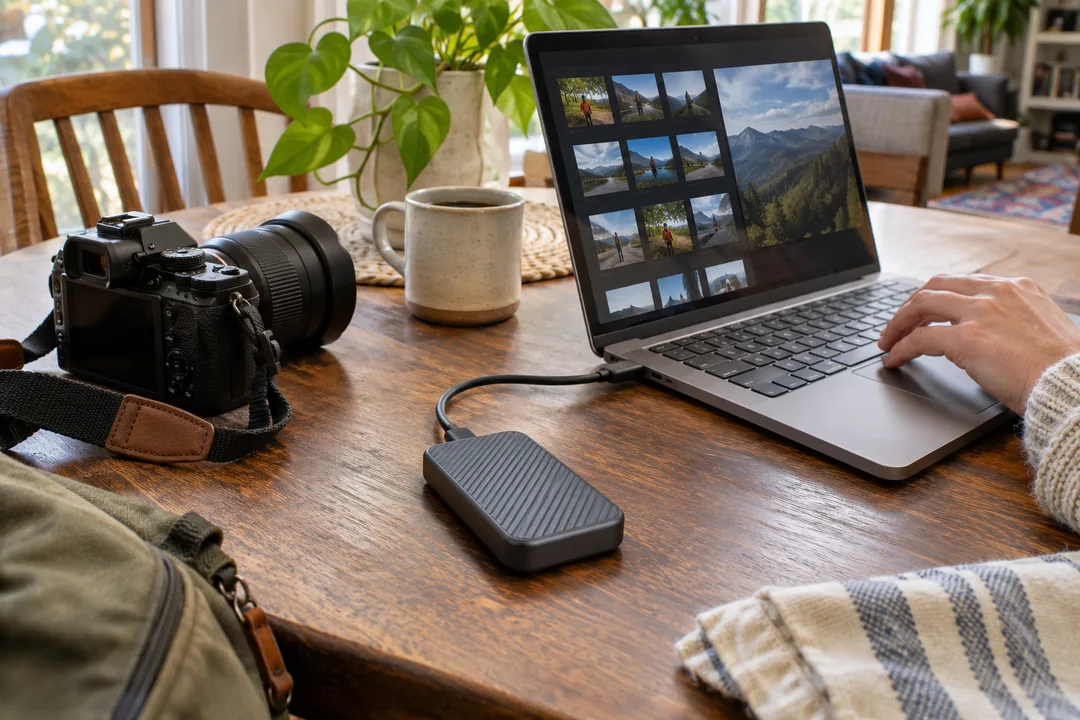
After a weekend away, you unload a full memory card, edit from the laptop and want a second copy before you erase it. Look at your largest recent import plus your library, previews and exports. Decide how many active jobs you realistically keep on one drive. A little spare room lets you move a finished job off later without stopping mid-import to reorganize files. If you do most work at home, a larger stationary backup and a smaller portable working drive can serve different purposes.
Follow the cable and the data rate
The drive maker’s advertised speed depends on compatibility and conditions. Check the documented data capability of the exact port on the computer and the cable you will take. Verify whether the adapter or hub in between changes that. Samsung’s T7 page shows one way a manufacturer labels the connection and performance expectations. For buying, prioritize a drive whose documented connection fits the computer before worrying about a peak number your system cannot reach.
Match the format to who uses it
If you hand the drive between a Mac and a PC, decide on a supported file system or a separate transfer path before bringing the only copy to a shoot. Check software support for encryption and recovery on all the machines you use. If a client borrows the drive, agree on how to exchange files. Store a second copy somewhere independent before deleting the card or cleaning the laptop.
Decide what merits a premium
Spend extra for a rugged design if you take the drive into rough conditions and can check the maker’s protection claims. For a desk-based workload, a suitable capacity and a good backup workflow are more useful first. Compare the exact SKU, cable in the box and delivered price against the disk space your last project used.
FAQ
Is the listed speed what I’ll see when copying photos?
The result depends on the host port, cable, drive and the files you copy. Confirm support end to end and treat a maker’s maximum as conditional.
Can I call the portable drive my backup?
It can hold a backup when the files also exist somewhere independent. If the SSD holds the sole remaining copy, create another copy before deleting the originals.