
Comparisons · Consumer Tech
Portable Scanner vs Compact ADF Scanner: Which Fits Your Work?
Compare Epson ES-60W and Brother ADS-1300 for receipts, travel and office paperwork. Choose by duplex scanning, batch size, power and software.
Published
THE CLEAR TAKEAWAY
Quick Answer
Buy a single-sheet portable scanner if your normal job is one receipt, form or page at a time and you value a tiny footprint. Choose a compact automatic document feeder (ADF) if you regularly scan two-sided, loose-paper stacks. For these two specific models, the Epson WorkForce ES-60W emphasizes battery-powered wireless portability, while the Brother ADS-1300 offers a 20-sheet feeder and single-pass duplex capture. Neither is a good default for bound books, fragile originals or large shared-office workflows.
Research Method / Evidence Basis
Public-source research. One Clear Pick compared official US manufacturer pages and technical documentation on November 16, 2026. We have not handled, tested, timed or measured either product. Speed figures and feature claims below come from manufacturers. Our recommendations are workflow-based editorial judgments, not independent performance results.
Editorial responsibility: One Clear Pick · How we research and recommend
This article contains ordinary source/manufacturer links, with no affiliate purchase links. How commissions work.
| Your normal job | Better starting point | Why |
|---|---|---|
| One or two receipts or forms while traveling | Epson WorkForce ES-60W | Small, battery-powered, wireless single-sheet design |
| Five to twenty loose sheets, often double-sided | Brother ADS-1300 | 20-sheet ADF for compatible paper and single-pass duplex scanning |
| Scan from a phone or tablet without a computer | Investigate ES-60W | Epson documents wireless mobile workflows; verify current app/OS support |
| Scan from an existing computer with no wireless requirement | ADS-1300 | USB-C connection to a compatible computer |
| Bound books, delicate originals or thick media | Neither by default | Use a compatible overhead or flatbed workflow instead |
Exact models: do not confuse these products
Epson WorkForce ES-60W, US manufacturer model B11B253201, is a mobile single-sheet-fed scanner. Epson lists 600 dpi optical resolution, USB and Wi-Fi, rechargeable battery operation, approximately 0.66 lb product weight, and a one-sheet input. Its published 15 ppm specification is a one-sheet scanning rate at stated conditions, not a 15-page automatic feeder. The scanner captures one side per pass; double-sided originals require manual handling. Its included software supports OCR workflows, subject to installation and device compatibility.
Brother ADS-1300, sold in the US as ADS-1300, is a compact sheet-fed document scanner with a 20-sheet ADF, single-pass duplex scanning and manufacturer-rated speeds up to 30 ppm / 60 ipm. It connects over USB-C. For computer power, Brother specifies a USB-C port that can supply at least 15 W. An optional AC adapter is available, and the scanner can save scans directly to a compatible USB flash drive. Do not confuse it with Brother ADS-1800W, a different model with wireless features.
| Specification | Epson ES-60W | Brother ADS-1300 |
|---|---|---|
| Document feed | One sheet at a time | 20-sheet ADF |
| Duplex | Manual handling; simplex scanner | Single-pass duplex |
| Manufacturer-rated maximum | 15 ppm at 300 dpi (single-sheet rate) | Up to 30 ppm / 60 ipm with Letter paper at 200 or 300 dpi |
| Connectivity | USB, Wi-Fi | USB Type-C |
| Power | USB or rechargeable battery | Compatible USB-C power or optional AC adapter |
| Optical resolution | 600 dpi | Up to 600 × 600 dpi |
| Best-fit editorial use | Mobile single documents | Repeated small stacks |
Important: Manufacturer speeds are not directly comparable as real-world productivity benchmarks. Loading, duplex handling, OCR processing, paper condition and file organization can dominate the time required.
When the Epson ES-60W makes more sense
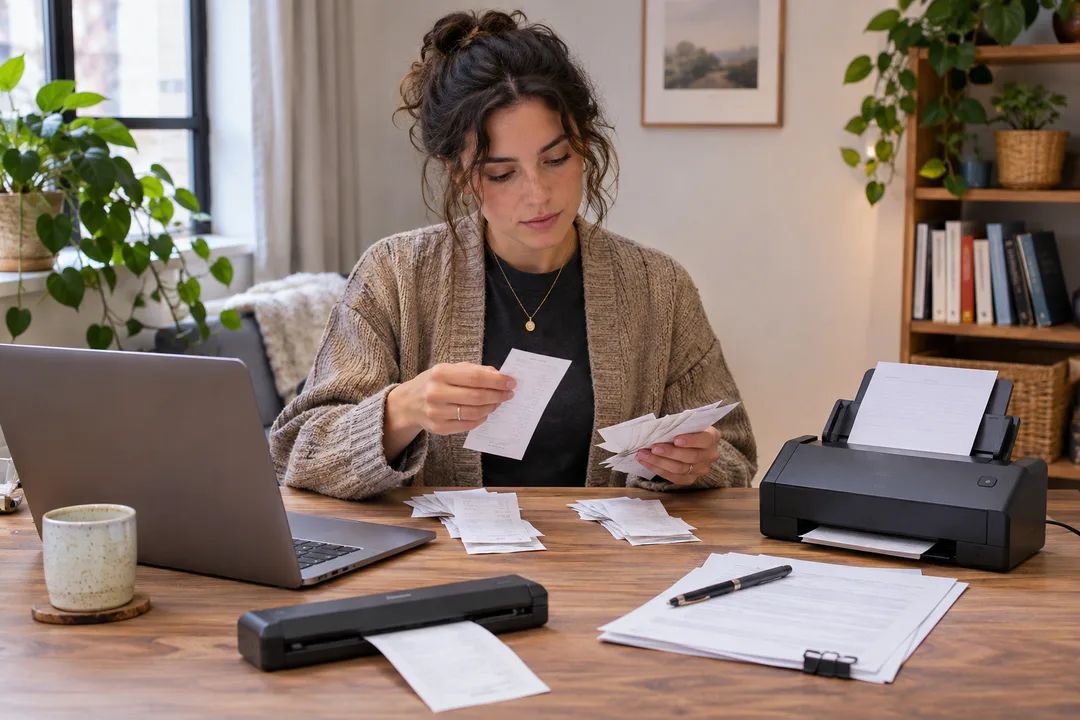
The ES-60W is the more logical starting point when the scanner must fit in a travel bag and the work arrives as individual pages. A consultant who scans a signed form at a client site or a home-office worker who digitizes occasional receipts may benefit more from battery operation and wireless connection than from a feeder.
Pros:
- Very compact, approximately 0.66 lb according to Epson.
- USB and wireless connection options, plus rechargeable battery operation.
- Epson documents OCR and searchable PDF workflows.
Cons:
- Only one sheet feeds at a time; multi-page jobs require repeated insertion.
- Not automatic duplex; scanning both sides involves extra handling.
- Mobile apps, operating-system compatibility and OCR setup should be verified against the exact device in 2026; some published support notes reference older OS versions.
Skip it if a normal task is a stack of ten double-sided contracts. The low physical weight will not offset repeated manual feeding in that workflow.
See Epson’s official ES-60W specifications (non-affiliate)
When the Brother ADS-1300 makes more sense
The ADS-1300 is a stronger fit when paperwork accumulates in small batches. Its 20-sheet ADF reduces individual loading, and single-pass duplex captures both sides without manually flipping every sheet. A small office scanning signed forms, invoices or enrollment packets from a computer has a clearer reason to buy these features than a traveler scanning one receipt at a time.
Pros:
- 20-sheet automatic feeder for compatible originals.
- Single-pass duplex, reducing handling of double-sided pages.
- Brother lists drivers for Windows, macOS and Linux. Confirm the driver and version you need, since bundled applications have their own requirements.
Cons:
- USB-C power requirements can rule out some computer ports. The ADS-1300 has no built-in Wi-Fi.
- A 20-sheet feeder is not a production-scanning solution.
- Paper thickness, card handling and application integrations still require checking against the manual.
Skip it if your routine requires scanning directly to a phone over Wi-Fi or working on battery power with the scanner alone.
See Brother’s official ADS-1300 product page (non-affiliate)
The four buying checks that matter more than headline speed
1. Count a normal batch, not your biggest imagined job
If you scan one sheet most days, a one-sheet feeder is not necessarily a compromise. If you regularly process 10–20 sheets, an ADF may save more handling than a faster single-sheet scanning rate. Count double-sided sheets separately from resulting page images.
2. Decide whether duplex is a routine requirement
A scanner that can produce a two-sided PDF through manual flipping is not equivalent to single-pass duplex capture. Check your actual workflow before choosing the smaller device.
3. Verify the complete connection path
Write down the exact computer, operating system, application, destination folder and mobile device you intend to use. A manufacturer’s broad compatibility statement is not proof that your current setup will work. Confirm driver availability and any software account or internet requirements before buying. For the ADS-1300, check your USB-C port’s power rating as well.
4. Check originals and total ownership cost
Do not feed bound, stapled, fragile or unsupported material into either device. Confirm paper size and weight limits, warranty, return policy, accessories and any software costs for the exact US listing. Prices and inventory can change; this guide does not assert a current deal.
Our recommendation
For repeated loose-paper office batches, choose the Brother ADS-1300 as the starting point. The feeder and automatic duplex are meaningful workflow advantages when the work regularly involves multi-page documents. For mobile, one-page-at-a-time scanning, investigate the Epson ES-60W instead. Its battery and wireless options address a different constraint. Neither is universally best; the right choice depends on the documents and the device that receives the files.
If you need shared-office networking or larger recurring stacks, read our Best Document Scanners for Small Businesses in 2026. For bound books, see Book Scanner vs Document Scanner. Our How We Pick page explains the evidence standard.
FAQ
Is a portable scanner the same as an ADF scanner?
No. “Portable” describes size and intended mobility; an ADF describes automatic sheet feeding. Some compact scanners include an ADF, while the ES-60W discussed here feeds one sheet at a time.
Does the Epson ES-60W scan both sides automatically?
No. Epson identifies the ES-60W as a simplex single-sheet scanner. A two-sided document requires additional manual handling.
Does the Brother ADS-1300 work without a computer?
Yes. It can save scans directly to a compatible USB flash drive when connected to a supported power source. Use the USB-C computer connection for desktop software. The scanner does not support Wi-Fi scanning to a phone.
Which scanner is better for receipts?
The ES-60W is easier to carry for occasional receipts. For the ADS-1300, check the feed specifications for your receipt sizes. Brother recommends a carrier sheet for receipts, so check the loading instructions before assuming they can go through as a stack.
Is OCR accuracy better on one model?
We did not test OCR accuracy. Searchable PDF support does not guarantee correct extraction of names, dates, totals or handwriting. Verify representative documents before discarding originals.
Are 15 ppm and 30 ppm real-world speed guarantees?
No. They are manufacturer-rated figures under specified conditions, not measured end-to-end completion times for your work.
Sources and References
- Epson ES-60W official US product and specifications
model B11B253201, size, weight, power, connectivity and manufacturer speed.
- Epson ES-50/ES-60W official technical specifications
one-sheet input and simplex scanning.
- Brother ADS-1300 official US product page
20-sheet ADF, duplex, 30 ppm, connectivity and compatibility.
- Brother ADS-1300 official brochure
manufacturer specifications and scanning interfaces.
- Brother ADS-1300 user guide specifications
Power options, media limits and direct scanning to a compatible USB flash drive.
- Brother ADS-1300 USB-C power troubleshooting
Computer USB-C power requirement and optional AC adapter.